
Mobile apps without
the App Store.
Many projects do not need an App Store app first. An installable web app opens from the home screen, works on iPhone and Android, and updates without store review. When a native app is the better choice, we say so.
- Approach
- Installable web app first
- Platforms
- iPhone, Android
What an installable web app is.
An installable web app, also called a PWA, is a website that behaves like an app on the phone. The user adds it to the home screen. It opens in its own window, without browser bars.
It works on iPhone and Android. You build one code base. You publish updates without waiting for app store review. See a live example in the Nordic Club UA member portal.
- Opens from the home screen
- Own window, no browser bars
- iPhone and Android from one code base
- Updates without app store review
PWA or native app.
We pick with you, based on what your users need.
Installable web app (PWA)
The web app described above, installed on the phone. A good start for member portals, booking and customer areas.
Native app
Needed when you want an App Store or Google Play listing, or phone features that a web app cannot use. Every update goes through store review.
In use: the NCUA member portal.
Nordic Club UA members install the portal on the phone like an app. It has a bottom tab bar, events, a knowledge base and partner offers. The install prompt shows on mobile only.
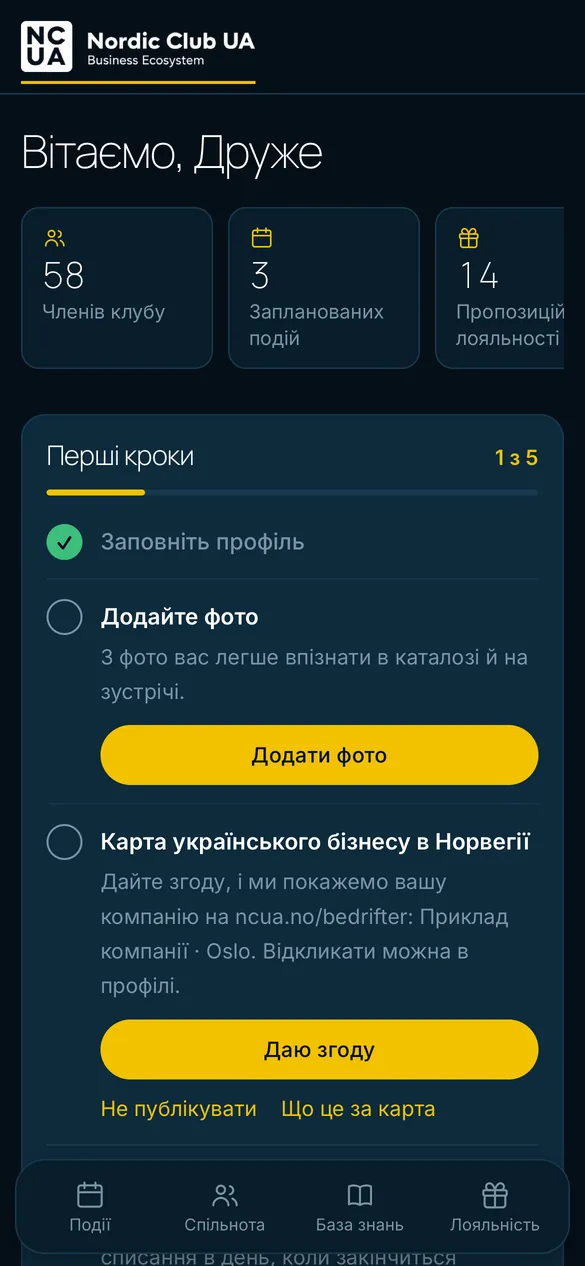
Home 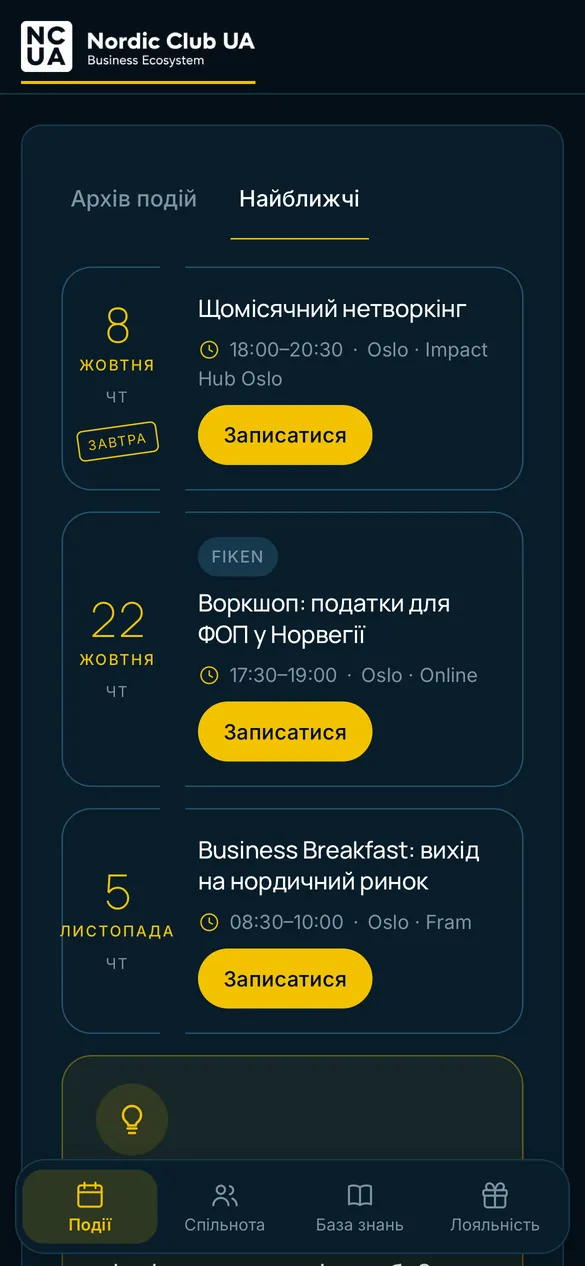
Events 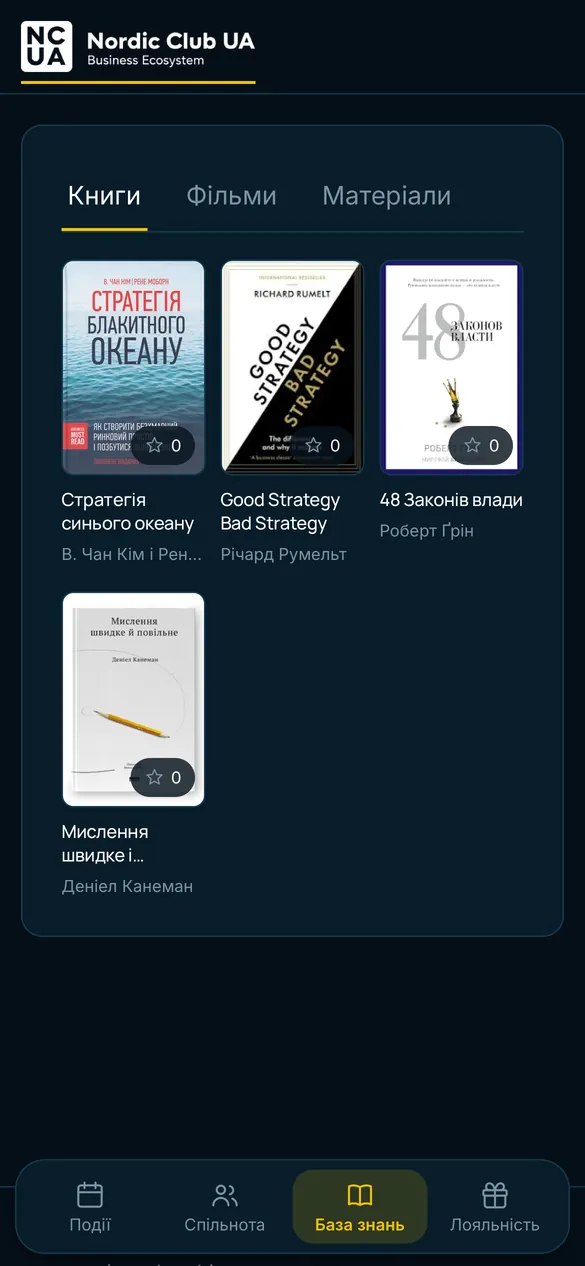
Knowledge base 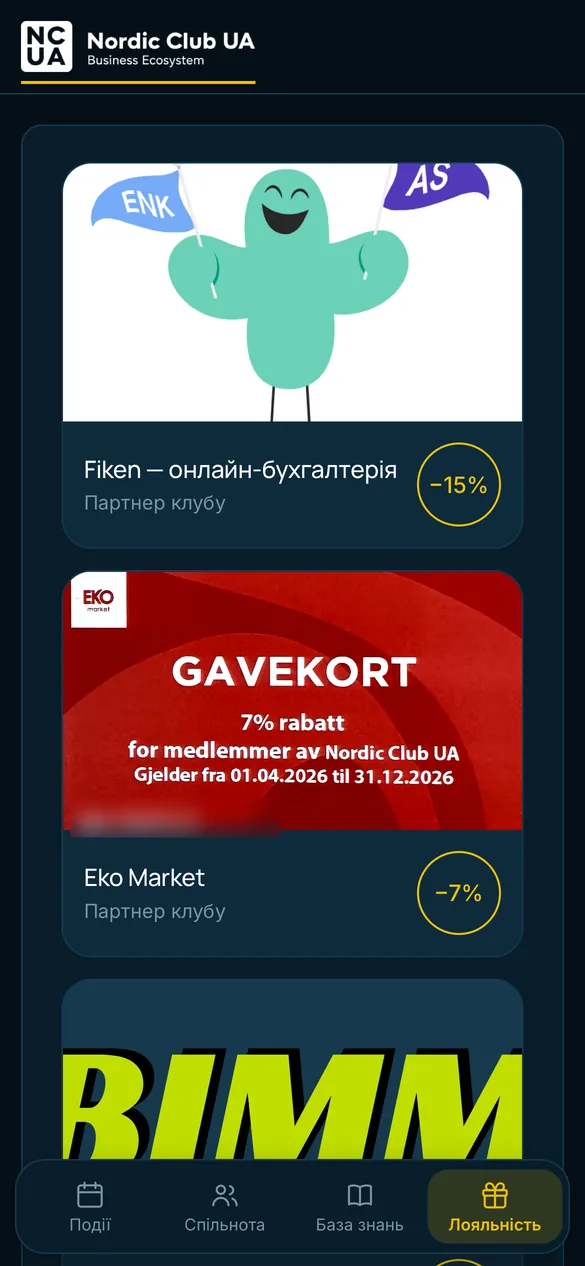
Partner offers 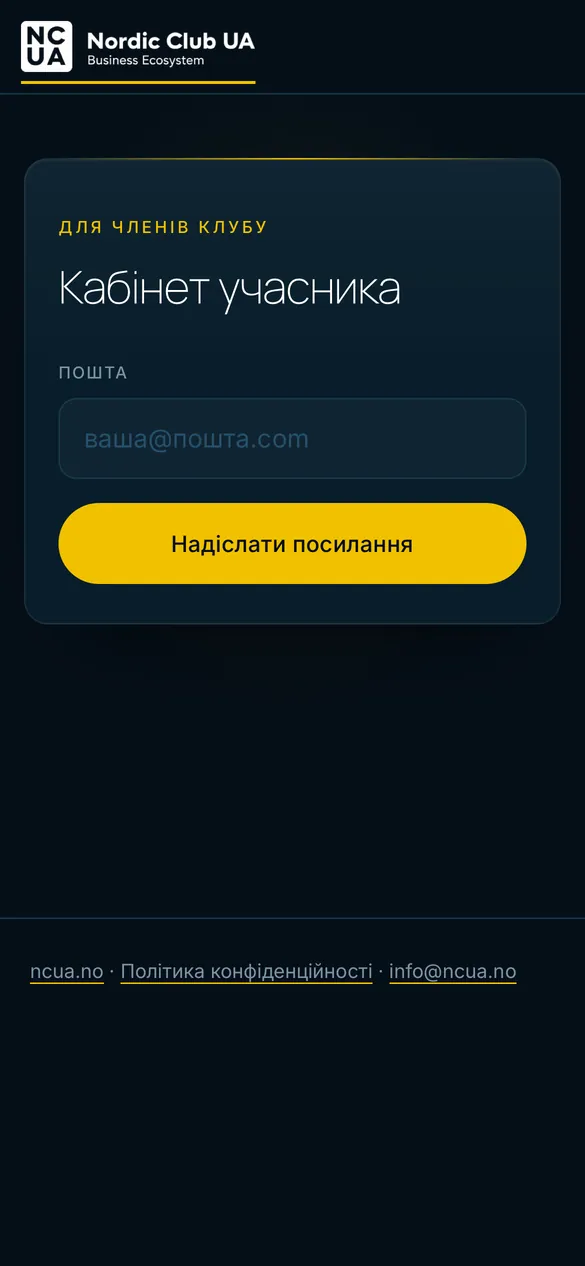
Sign in
We built the portal and the platform behind it together with the NCUA team: the portal, payments, the Telegram bot, the admin panel and the database.
We built the platform together with the NCUA team and Vasyl Kravchuk. We keep building it.
How a project runs.
- 01
Check the need
We look at who will use the app and what it must do. We say if a web app is enough or if you need a native app.
- 02
Design the phone screens
We design for the phone first: a bottom tab bar, short flows, sign-in that works on a small screen.
- 03
Build and test on real phones
We build the web app and test it on iPhone and Android, including the install step.
- 04
Release and keep it updated
Updates go live without store review. We stay available for fixes and changes.
Questions we get.
Do we need to be in the App Store?
Not always. An installable web app opens from the home screen without a store listing. If you need to be in the App Store or Google Play, we say so and plan a native app.
How do people install it?
On mobile, the NCUA portal shows an install prompt. The member adds it to the home screen and it opens in its own window, without browser bars.
Does it work on iPhone and Android?
Yes. A web app has one code base and runs on both. We test on both.
What about offline use and notifications?
The NCUA portal needs a connection to show current data and does not use push notifications. Reminders go by email and through the Telegram bot. If you need offline use or push, tell us early and we say what is possible.
When do you recommend a native app?
When you need a store listing, or phone features that a web app cannot use. We check this before the build starts.
Thinking about a mobile app?
Tell us who will use it. We will tell you if a web app is enough or if you need a native app.